Lexeri add-on for Google Docs
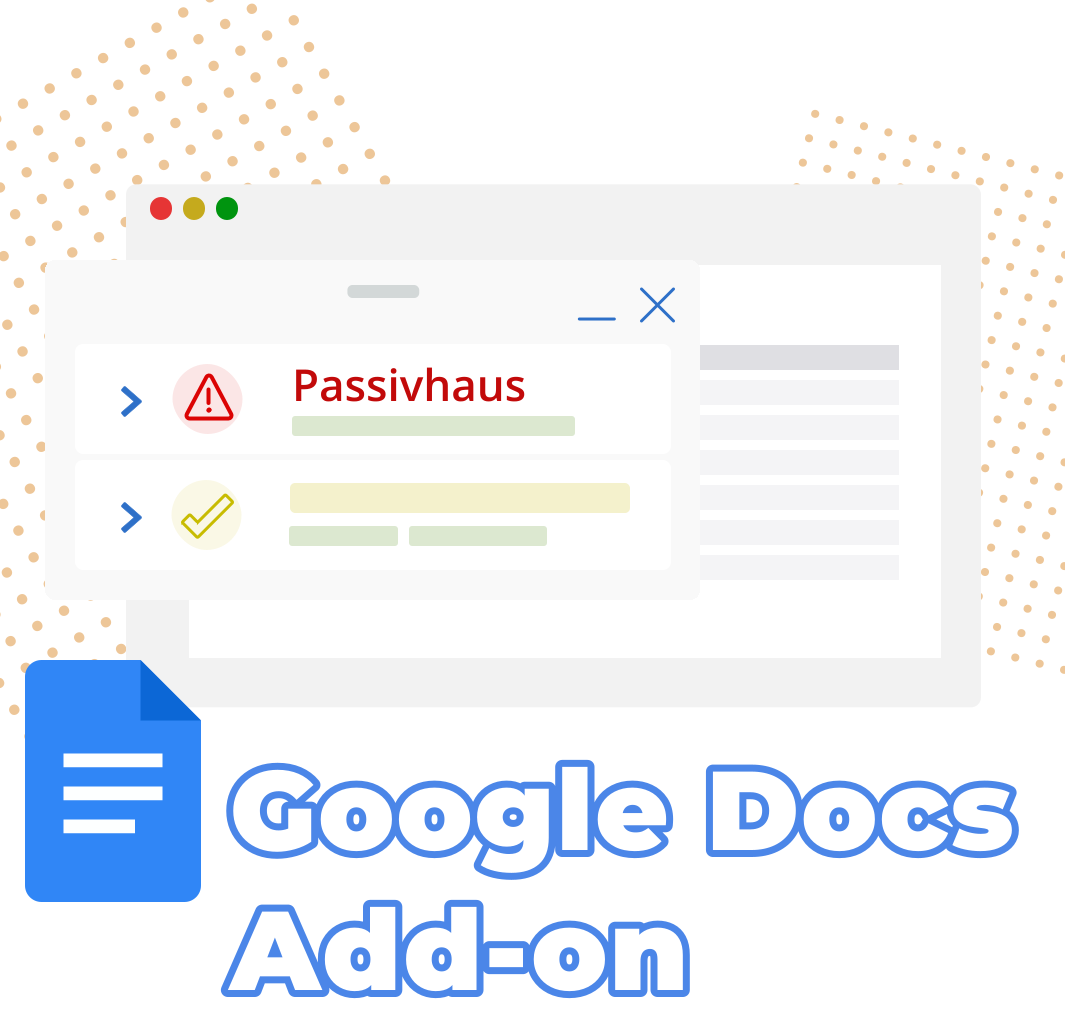
Terminology where the writing happens
In many companies, texts are no longer written in Word alone. Concepts, product copy, manuals and press releases are written, commented on and revised together in Google Docs. Until now, that meant extra work for terminology: copy the text, check it in Lexeri, carry the corrections back by hand.
The add-on saves you that detour. You work with the same termbase as in our other plug-ins, just right in Google Docs. That way, everyone who writes in a document sticks to your company terminology without leaving the document.
The Lexeri sidebar in Google Docs
What the add-on does
Check a document with one click
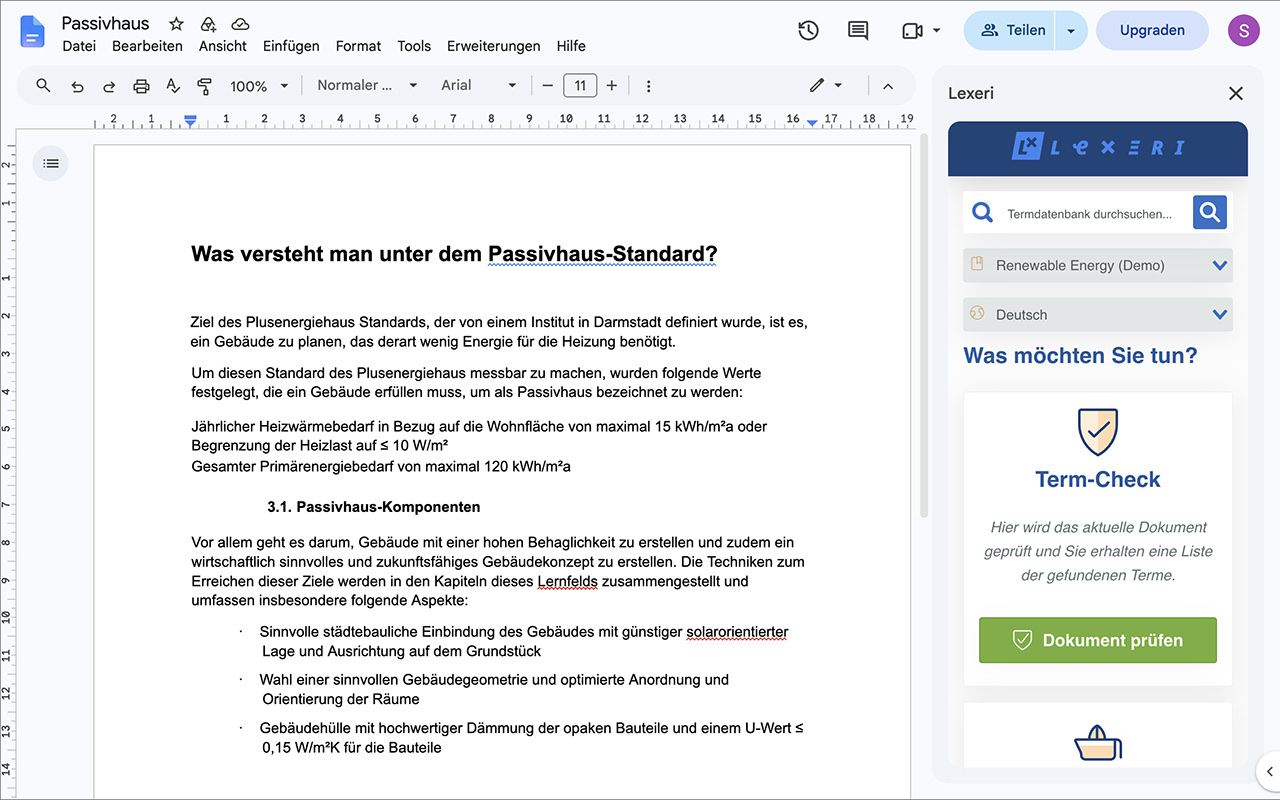
Choose the termbase and language in the sidebar and click Check document. Lexeri checks the whole document and lists all term matches, such as forbidden, deprecated or unapproved terms. Clicking a match jumps to it and highlights it in the text.
Apply corrections right away
For forbidden and approved terms, Lexeri suggests suitable improvements with the AI package. You apply a suggestion right in the document, without copy and paste. After your changes, click Check again to check once more.
Search the termbase
Not sure which term is the right one? Look up terms, definitions and usage notes in the sidebar while you write. Every match of a check also opens its details from the termbase.
Find new terms
With editing rights in Lexeri, you can also start a term extraction. It finds term candidates in the document that are not yet in your termbase. That way, your terminology grows with the texts your team writes.
Ready in three steps
- Install: Open the Lexeri add-on in the Google Workspace Marketplace and click Install. Alternatively, choose Extensions > Add-ons > Get add-ons in Google Docs and search for “Lexeri”.
- Sign in: Open a document and choose Extensions > Lexeri > Open Lexeri. Sign in with your Lexeri credentials in the sidebar on the right.
- Check: Choose the termbase and language and click Check document.
You need a Google account with Google Docs, personal or in Google Workspace, and a Lexeri account with access to at least one termbase. The add-on only reads the document you open it in. You will find detailed instructions on our page about the Google Docs add-on.
For everyone who writes in Google Docs
- Marketing and editorial teams check campaigns, blog posts and product copy before they are published.
- Technical writers draft content in Google Docs and follow the approved terminology from the start.
- Departments such as product management, sales or support write along without knowing the termbase themselves. The sidebar shows them the right term.
- Terminology managers use term extraction to find new candidates in the team’s texts and add them to the termbase.
The add-on joins our plug-ins for Microsoft Office, the browser extension and the desktop apps for Windows and macOS. You will find an overview of all integrations on our plug-ins page.
Try it now
The Lexeri add-on for Google Docs is available for free now. Install it from the Google Workspace Marketplace and check your first document in a few minutes.
Go to the Google Workspace Marketplace
Not using Lexeri yet? Then get in touch. We are happy to show you how term checks in Google Docs work for your team. And if you already use the add-on, we look forward to your feedback and your rating in the Marketplace.