Features of the Google Docs add-on


Check documents

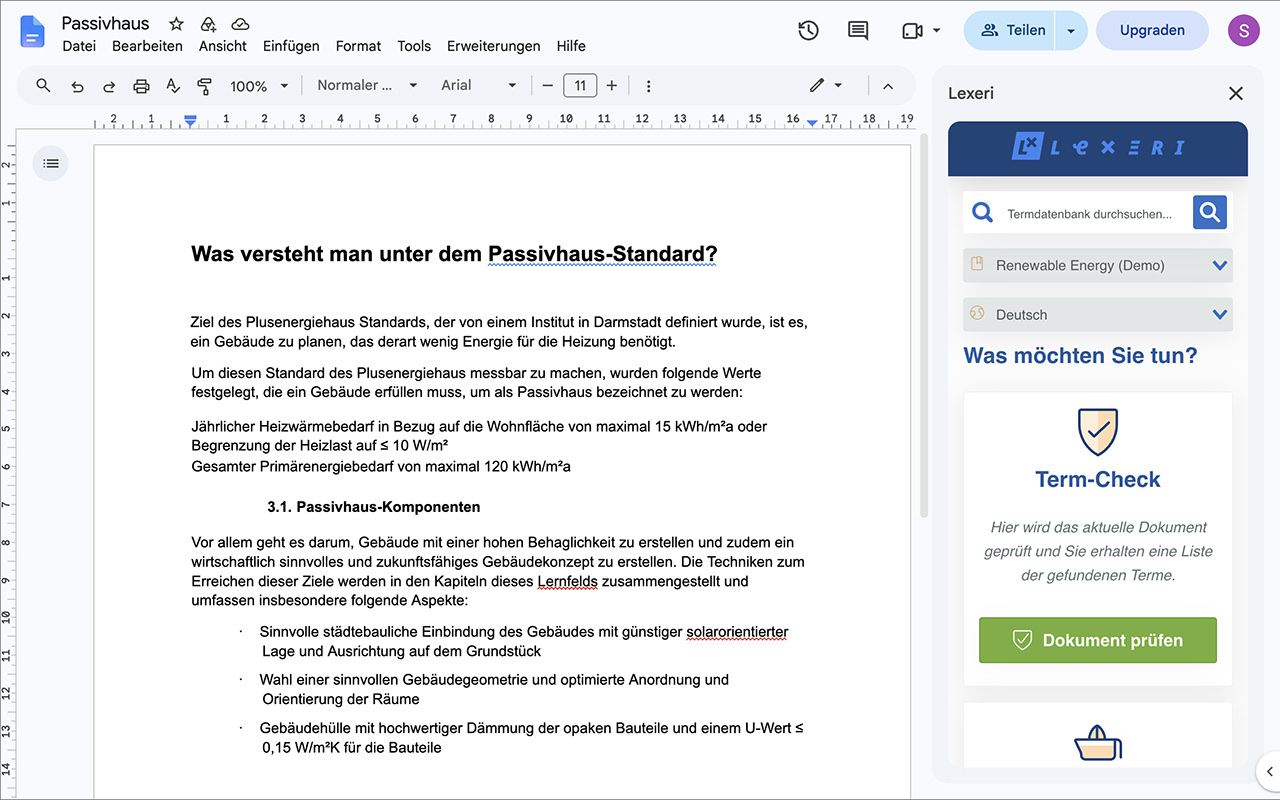
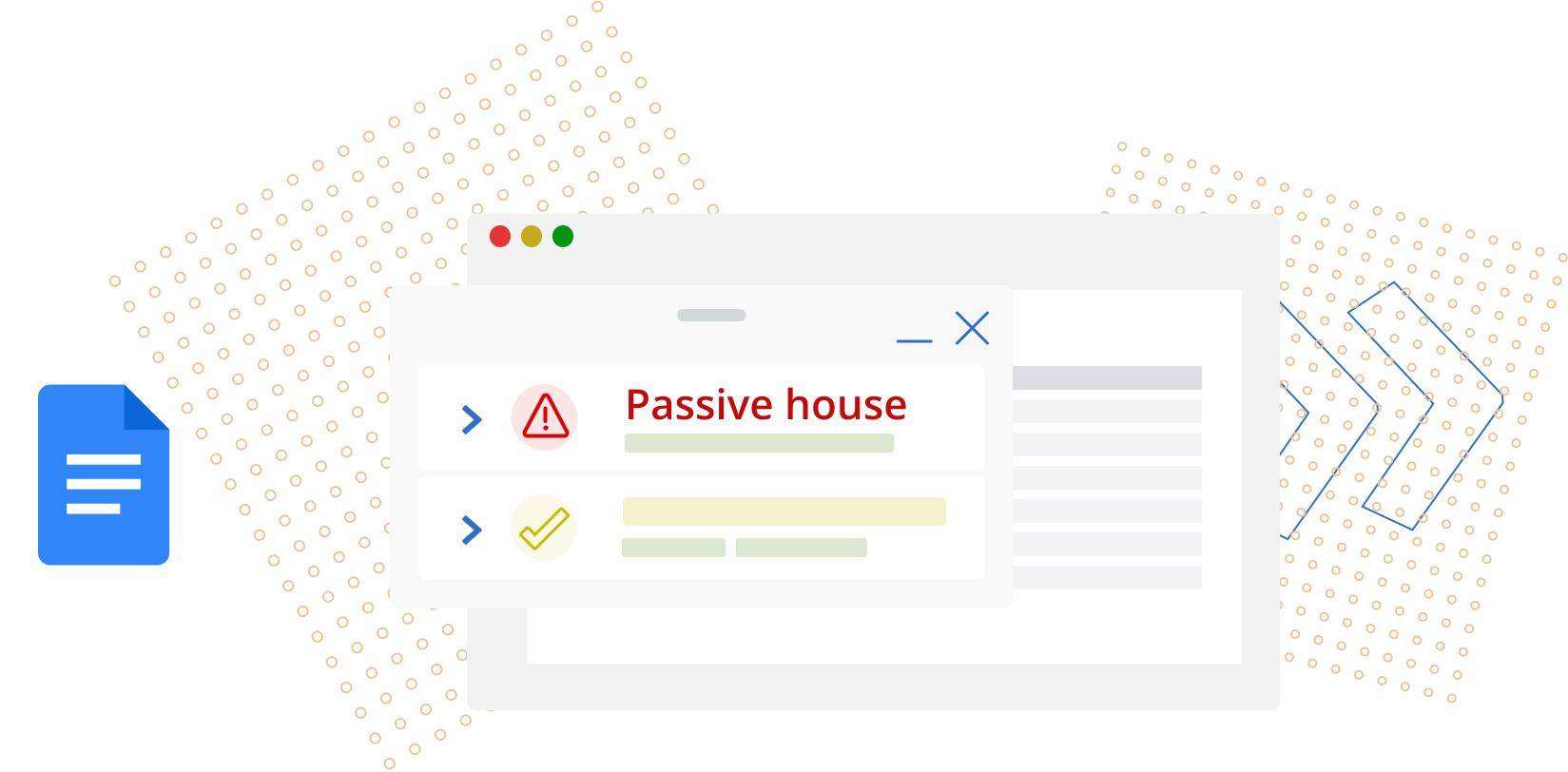
Check the open document against your termbase with a single click. Clicking a match highlights it in the document.


Apply corrections

For forbidden and approved terms, Lexeri suggests improvements with the AI package, which you apply right in the document.


Search the termbase

Look up terms, definitions and usage notes in the sidebar. With editing rights, term extraction finds new term candidates in the document.

Requirements

A Google account with Google Docs, personal or in Google Workspace

A Lexeri account with access to at least one termbase

The add-on is free of charge. It only reads the documents you open it in; you will find its permissions in the Google Workspace Marketplace.

Improved term checks with NLP

Lexeri uses NLP language models to improve the quality of our term checks and can therefore automatically detect inflected forms, incorrect spellings or compounds.

Your benefits:
 

  • Improved term hits, even for inflected forms
  • No manual updating of alternative spellings, e.g. for compound terms

Learn more

Installing the Google Docs add-on

1. Install the add-on

Open the Lexeri add-on in the Google Workspace Marketplace and click Install. Alternatively, choose Extensions > Add-ons > Get add-ons in Google Docs and search for “Lexeri”.

Confirm the permissions. The add-on is then available in all your documents.

2. Open Lexeri and sign in

Open a document and choose Extensions > Lexeri > Open Lexeri. The Lexeri sidebar opens on the right. Sign in with your Lexeri credentials.

3. Check the document

In the sidebar, choose the termbase and the language of your text and click Check document. Lexeri checks the whole document and lists all term matches.

4. Use the results

Clicking a match highlights it in the document. The arrows open the details from the termbase, such as definitions and usage notes.

For forbidden and approved terms, the AI icon generates suggested improvements that you apply right in the document. This requires the AI package. After your changes, click Check again to check the document once more.

Lexeri integrations

Automatic term checks in external systems

In addition to the plug-ins with which you and your colleagues can check terminology directly while writing, Lexeri also provides solutions for term checks in external systems. These systems can include code repositories for software development, content management systems or PIM systems.

The integrations sync texts from these systems and run automatic term checks. The term hits are shown in Lexeri, and you can send corrections back to the connected system directly in Lexeri.

All integrations

Test Lexeri – simply and for free

Lexeri is the easy way to manage consistent corporate language throughout the organisation. Start your free 14-day trial now.

Your free trialSchedule a demo

Contact

Any questions?
We are here to help!