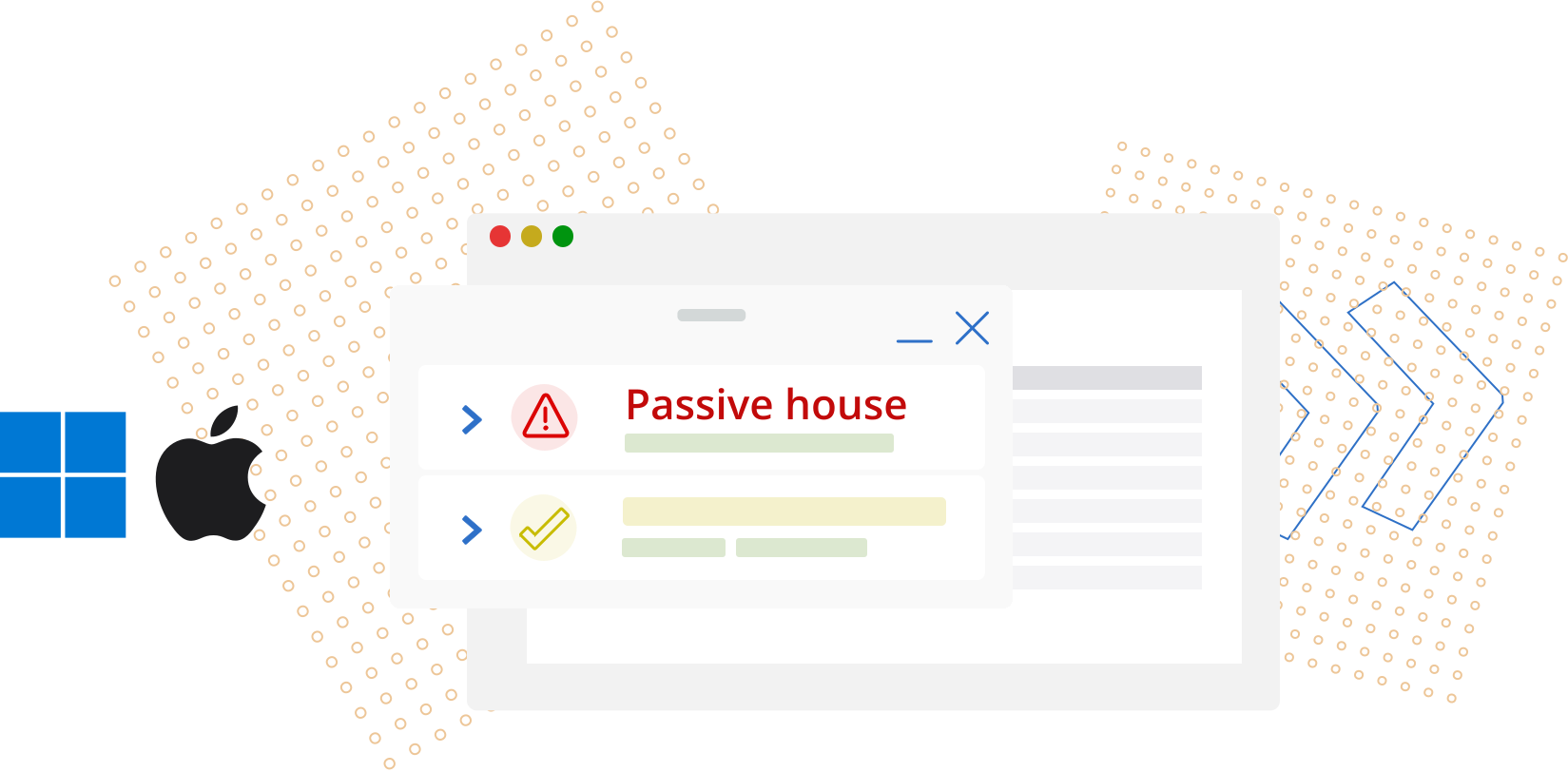
Features of the Lexeri apps


Checks by keyboard shortcut

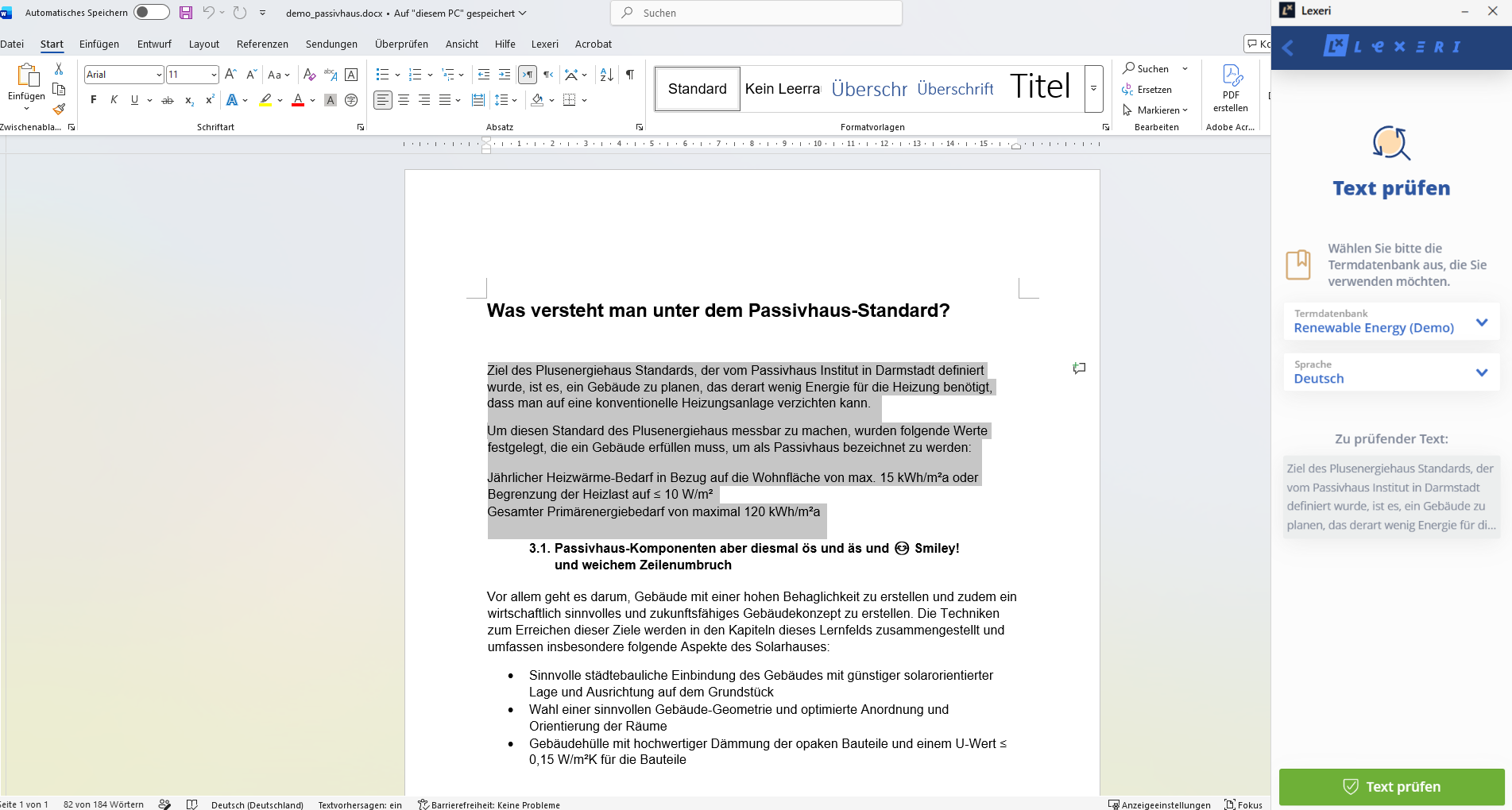
Select text in any program and press Win+Shift+L (Windows) or ⌃⇧L (macOS). The sidebar opens with the text, and Lexeri checks it against your termbase.


Document checks

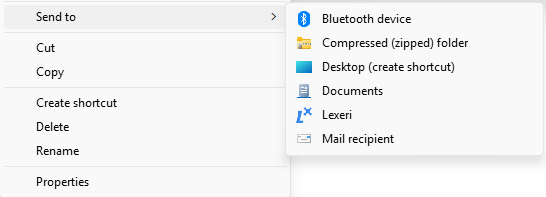
Send files to Lexeri from Windows Explorer with a right-click, open them with Lexeri on the Mac or upload them in the sidebar – from Word and PDF to JSON, XLIFF and RESX.


Matches and suggested improvements

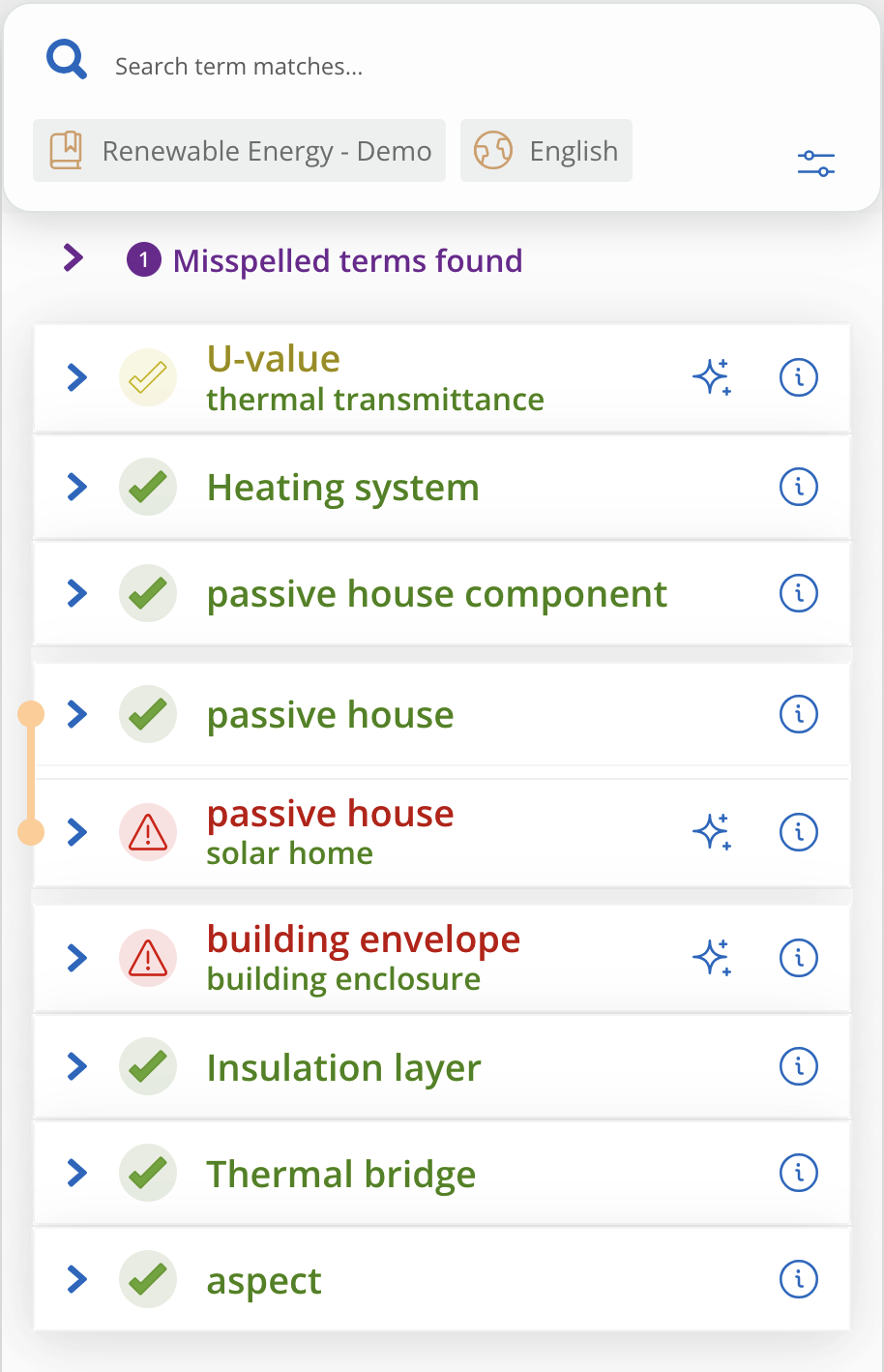
The results list shows every term with its details from the termbase. For forbidden and approved terms, Lexeri suggests improvements with the AI package, which you insert via the clipboard.

Requirements

Windows: Windows 10 or later with Microsoft Edge WebView2 (included in Windows 11)

macOS: macOS 14 (Sonoma) or later, on Apple silicon or Intel

A Lexeri account with access to at least one termbase

The apps are an additional way to access Lexeri: you keep using your plug-ins and the Lexeri web app as before. You will find detailed instructions for the Windows app in our help center.

Improved term checks with NLP

Lexeri uses NLP language models to improve the quality of our term checks and can therefore automatically detect inflected forms, incorrect spellings or compounds.

Your benefits:
 

  • Improved term hits, even for inflected forms
  • No manual updating of alternative spellings, e.g. for compound terms

Learn more

Installation and first steps

1. Download and install the app

Windows: Download the installer and run it. Your IT department may do this for you; it can also deploy the app with its software distribution.

macOS: Download the disk image, open it and drag Lexeri into the Applications folder.

2. Sign in

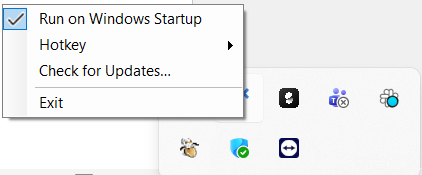
When the app starts, the Lexeri icon appears in the notification area of the taskbar or in the menu bar, and the sidebar opens. Sign in with your Lexeri credentials. From then on, the app starts with your system; startup, keyboard shortcut and updates are in the icon’s menu.

On the Mac, allow Lexeri once under System Settings > Privacy & Security > Accessibility to use the keyboard shortcut.

3. Check text

Select the text in your program and press Win+Shift+L or ⌃⇧L. In the sidebar, choose the termbase and the language of the text and click Check text.

On the Mac, you can also right-click the selection and choose Services > Check Text with Lexeri.

4. Check a document

In Windows Explorer, right-click the file and choose Send to > Lexeri (on Windows 11, first Show more options); in the Finder, choose Open With > Lexeri. Or click Check document in the sidebar and upload the file. Choose the termbase and language and click Start term check.

Supported are Microsoft Office files (Word, Excel, PowerPoint, Outlook, OneNote), PDF, IDML, HTML and Markdown, and for UI texts JSON, YAML, Properties, PO, XLIFF, RESX and SRT.

5. Use the results

The sidebar lists all term matches. The arrows open the details from the termbase and show where the term occurs in the text; the information icon opens the term entry in the Lexeri web app.

For forbidden and approved terms, the AI icon generates suggested improvements that you insert into your text via the clipboard. This requires the AI package; without it, you correct the passage by hand.

For developers

Term checks in your own software

Do you develop your own applications? With the Lexeri apps, you bring term checks into your software without integrating the API. On Windows, your application hands documents to the app with a program call; on the Mac, it opens documents with Lexeri or hands over texts via Shortcuts and the Services menu. Checks run against the termbases of the signed-in user, so no API token is needed.

The apps’ pages in the developer portal show how, with code samples.

Windows app in the developer portal macOS app in the developer portal

Lexeri integrations

Automatic term checks in external systems

In addition to the plug-ins with which you and your colleagues can check terminology directly while writing, Lexeri also provides solutions for term checks in external systems. These systems can include code repositories for software development, content management systems or PIM systems.

The integrations sync texts from these systems and run automatic term checks. The term hits are shown in Lexeri, and you can send corrections back to the connected system directly in Lexeri.

All integrations

Test Lexeri – simply and for free

Lexeri is the easy way to manage consistent corporate language throughout the organisation. Start your free 14-day trial now.

Your free trialSchedule a demo

Contact

Any questions?
We are here to help!