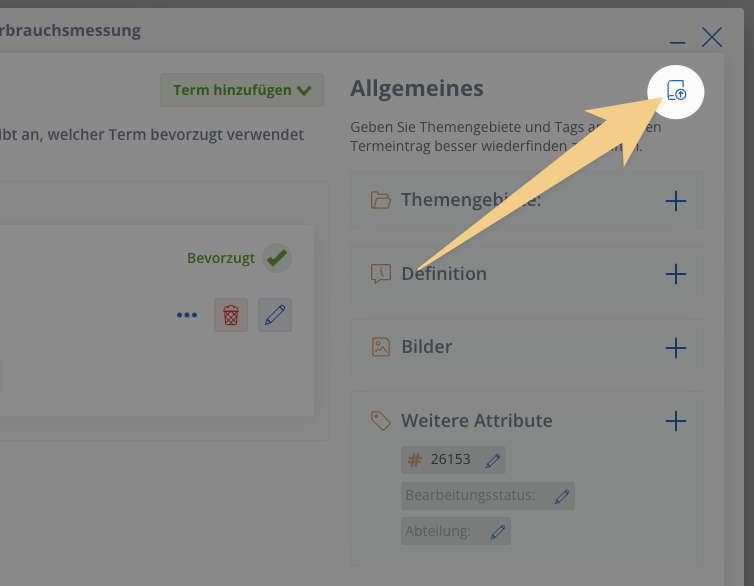
More flexibility for imports
We have worked on user guidance when selecting and assigning attributes in imports.
Entire columns can be assigned as attributes for other columns, e.g. the language of a term, the term type or the language of the definition. This enables more flexibility for the structure of your termbase in Excel.
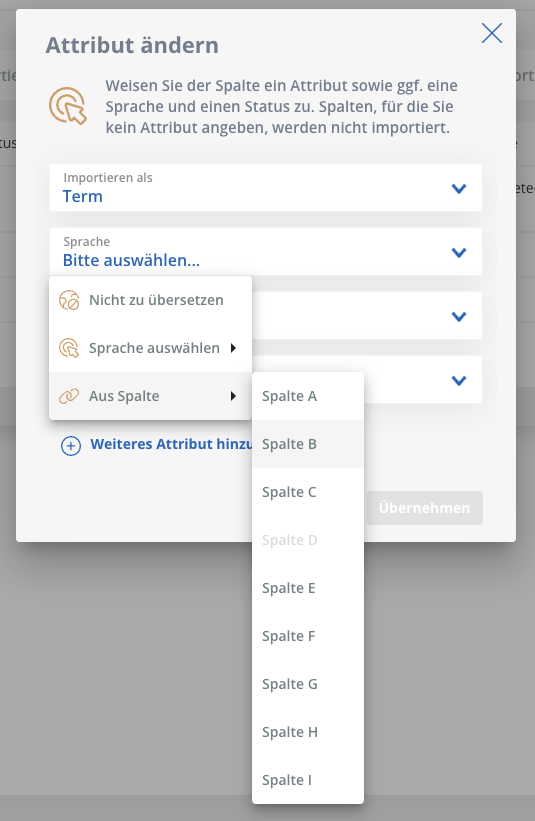
Better user guidance in workflow: Dialog view for tasks
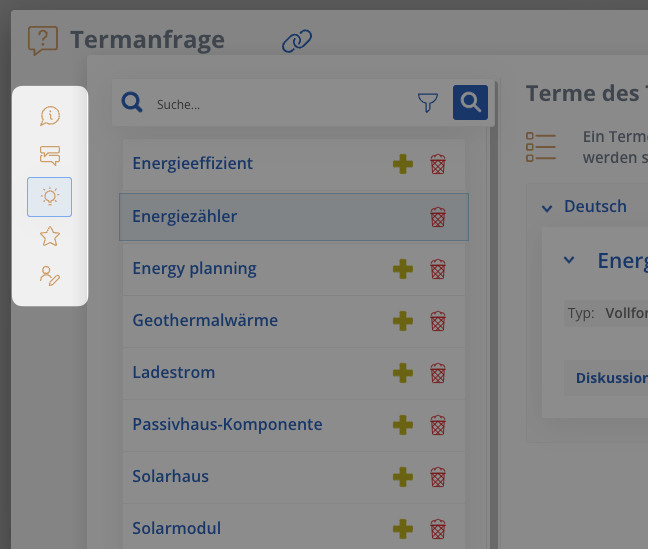
The area for published tasks has up till now been isolated and the path from the task back to the task board and into the termbase, a little cumbersome.
Therefore separately opened task dialogs now ensure that navigating between the task, task board and termbase is easier and more intuitive.
You can also minimise individual dialogs or close them and then find them on the task board, or back in the termbase and open and work on them at any time from there.
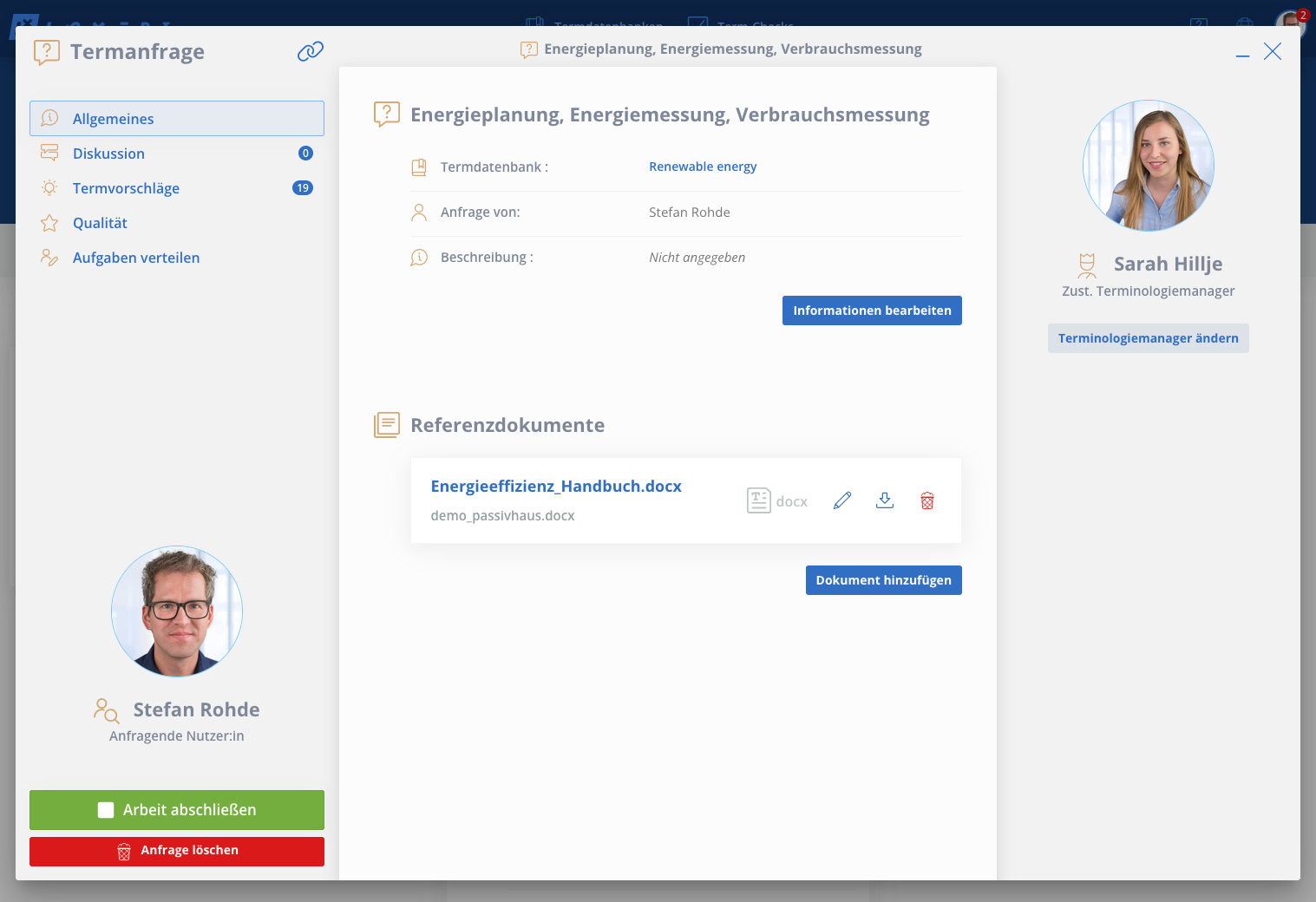
We have also positioned the task menu vertically, on the left, and made it more responsive and user-friendly.
 .
. 
More flexibility for imports
We have worked on user guidance when selecting and assigning attributes in imports.
Entire columns can be assigned as attributes for other columns, e.g. the language of a term, the term type or the language of the definition. This enables more flexibility for the structure of your termbase in Excel.
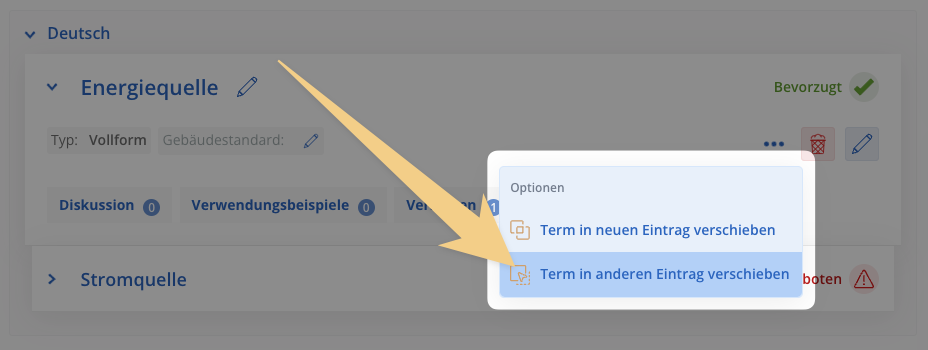
More precise systematization: Move terms into other entries
In the future you will be able to take individual terms from entries and move them into other entries via the advanced options of the terms.
This serves as a supplement to the previously existing option, to separate a term from an entry to create an entirely new entry.
Expansion of filters: Search for missing values
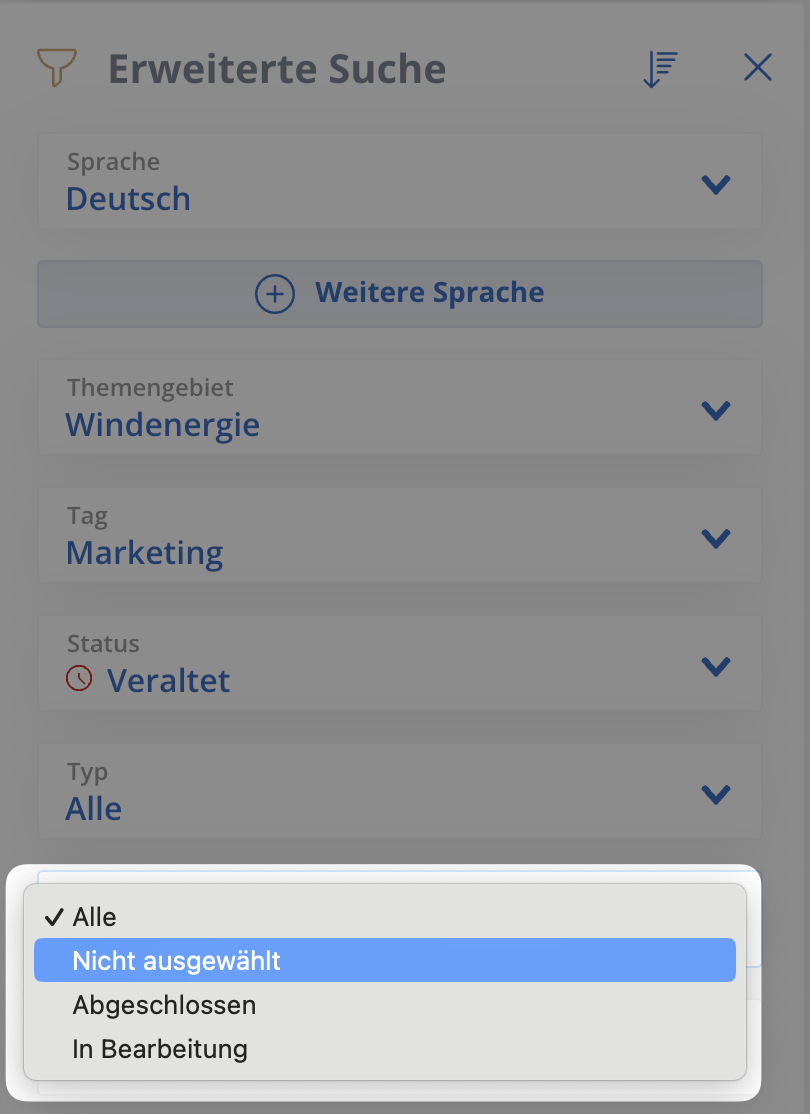
Filters are now more comprehensive and allow you to search for missing values in terms or entries - negative filters, so to speak.
Select ‘Not selected’ for the attribute you want to analyse and find out in which entries it is not yet present. This is how you can ensure completeness and a consistent knowledge base in the termbase.
Further small details
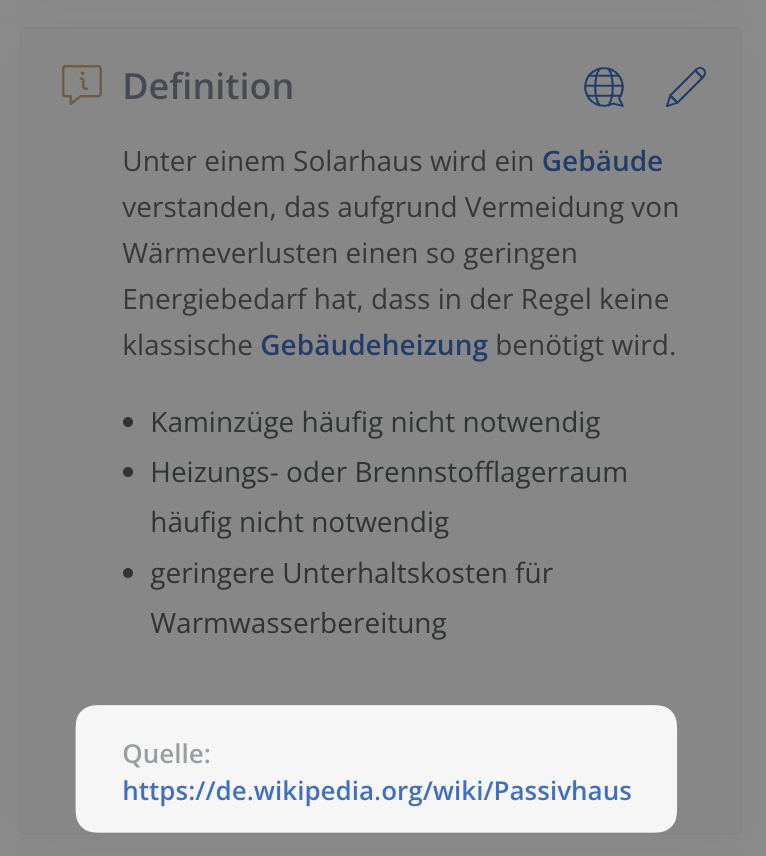
Links in definitions
When editing definitions you can include hyperlinks, which take you directly to the respective website.
Deep-links for requests and tasks
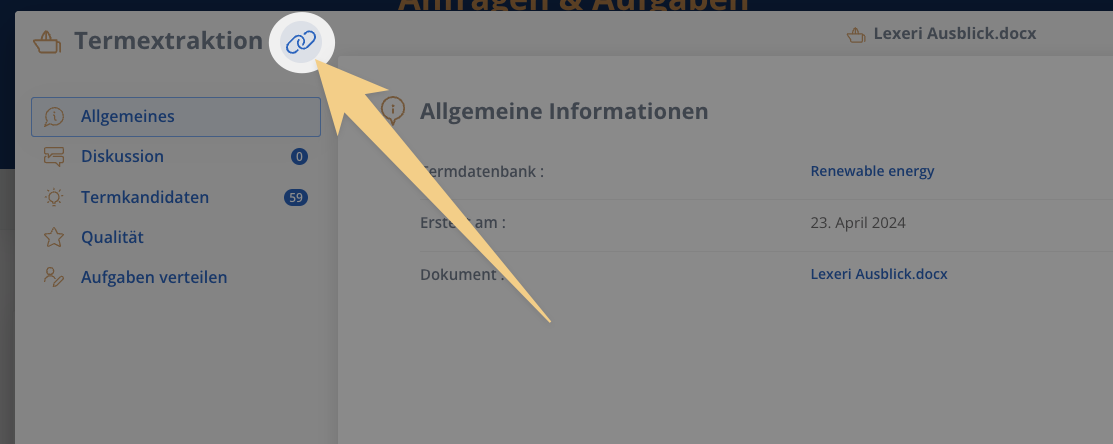
Using a small link icon you can copy any part of a task (request, individual tasks, imports) to your clipboard in order to share it or add it somewhere else.
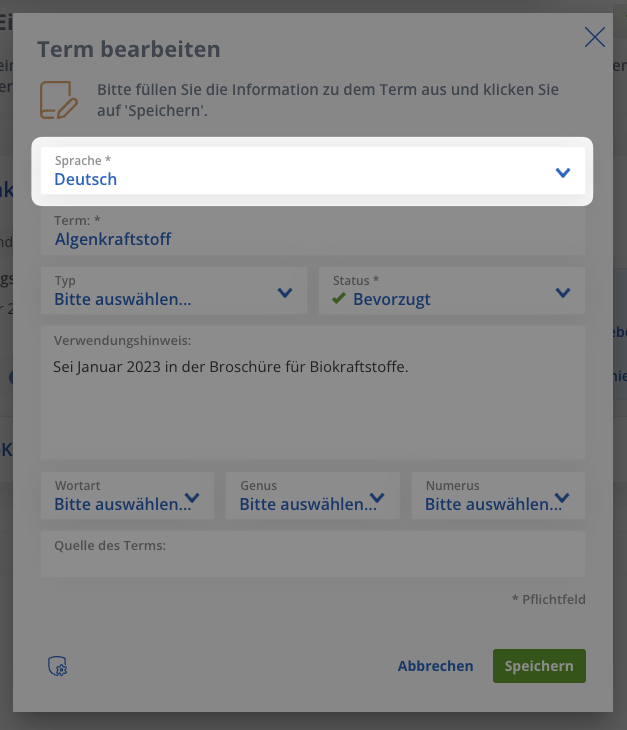
Change the language of a term retrospectively
If a term was created in a language, this could not be changed after the fact, until now. The term had to be deleted and then added for the desired language.
As of now the language of a term can be easily changed in the expanded term window:
...and one more thing:
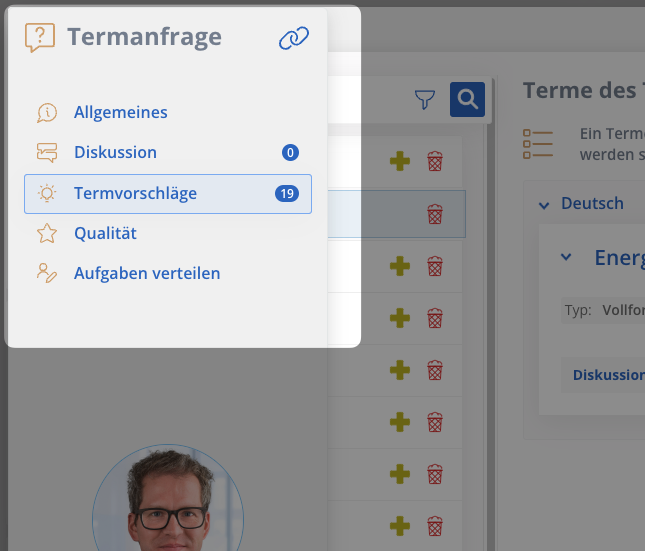
We have made the publishing of individual term drafts in the tasks, which was added with the last update, more discreet in the draft entry: This function is now a part of the publishing options, which can be found by clicking on the small icon at the top right in a draft: