- Automatic term checks for definition texts
- Do not translate
- Draft terms can be posted individually – for when the schedule is tight
- Other minor updates
Quality dashboard
Automatic term checks for definition texts
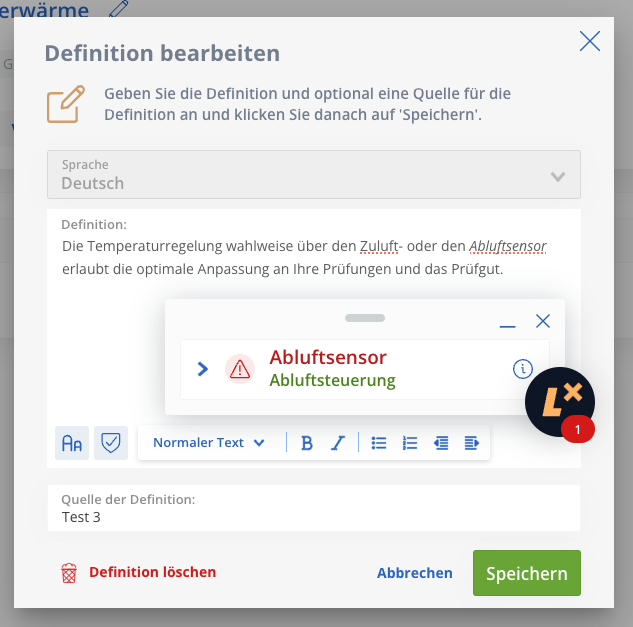
As a new quality parameter, Lexeri now automatically checks terminology in the definitions.
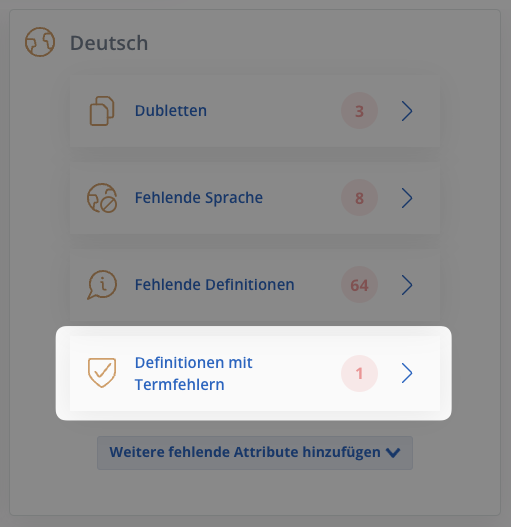
Results are shown in the quality dashboard: It now includes a section listing all term entries in which the definitions contain terminology errors.
You can review them directly in this section, correct them yourself or add them to tasks in order to ensure consistent terminology in the metadata.
 .
. 
Term entries
Do not translate
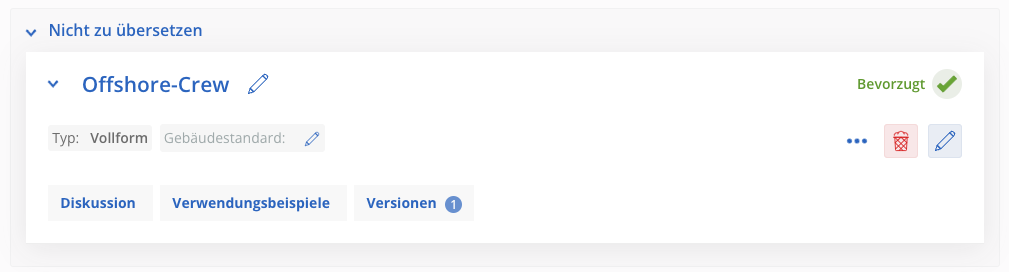
You will now find the attribute “Do not translate” under language selection. This allows you to mark terms; the instruction then applies to all languages in the entry.
The option is frequently used for proper nouns or words adopted from other languages.
It is then no longer necessary to maintain these terms in all languages.

Workflows
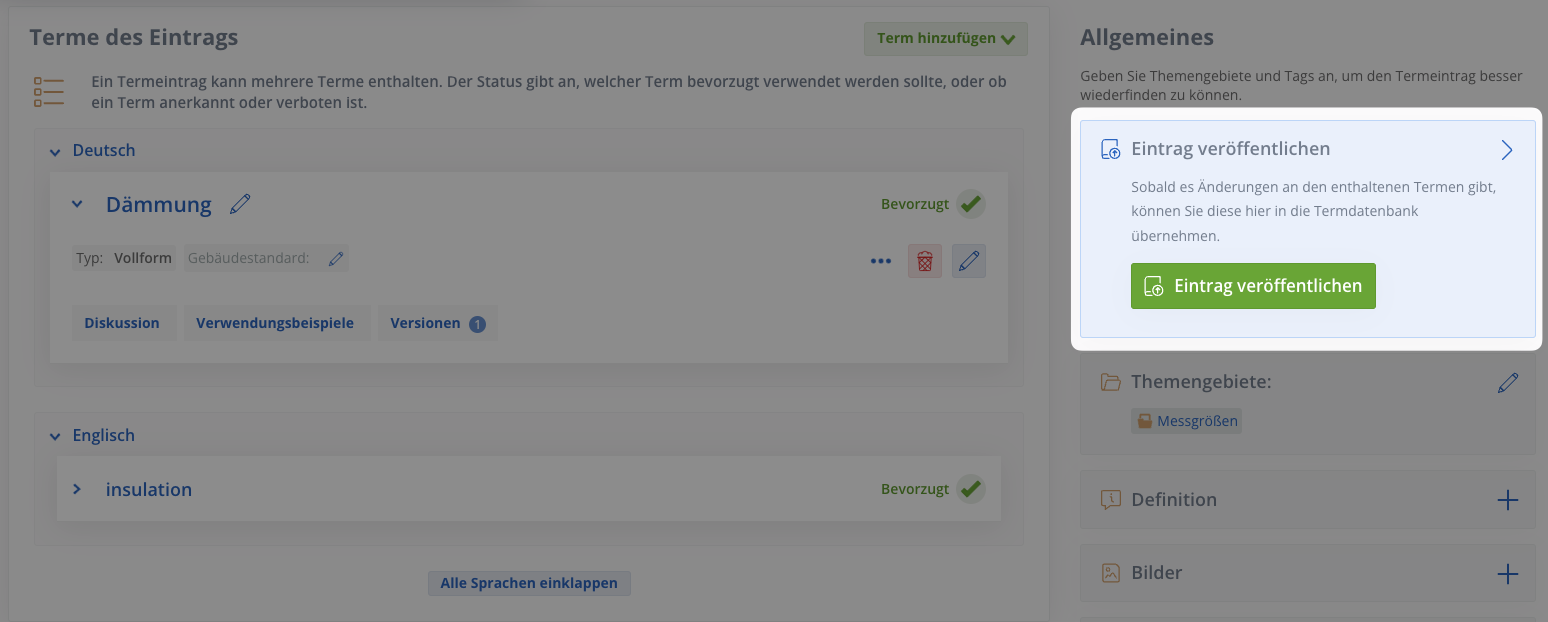
Draft terms can be posted individually – for when the schedule is tight
Until now, Lexeri has only allowed users to publish complete tasks with all the terms they contain at the same time.
Finalised draft terms belonging to a task can now be published individually, giving users access to the ongoing results of the task in the termbase.
Users can continue working on the task at their leisure as the pending status is retained.
Term checks
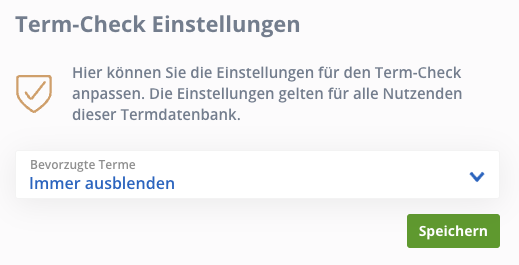
Configuring hits
This update adds an option to the Lexeri settings that allows you to decide whether preferred terms should also be shown in your hit lists for term checks.
Hiding preferred terms makes the identification and correction of problems much more targeted, especially in larger documents. But you can also skip the selection for each term check by using advanced search.
Other minor updates
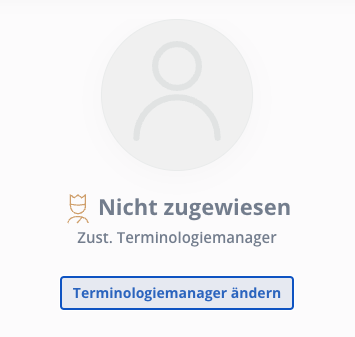
Assign term requests to terminology managers
You now have the option of assigning requests to a specific terminology manager to add flexibility and clarity to workflows.
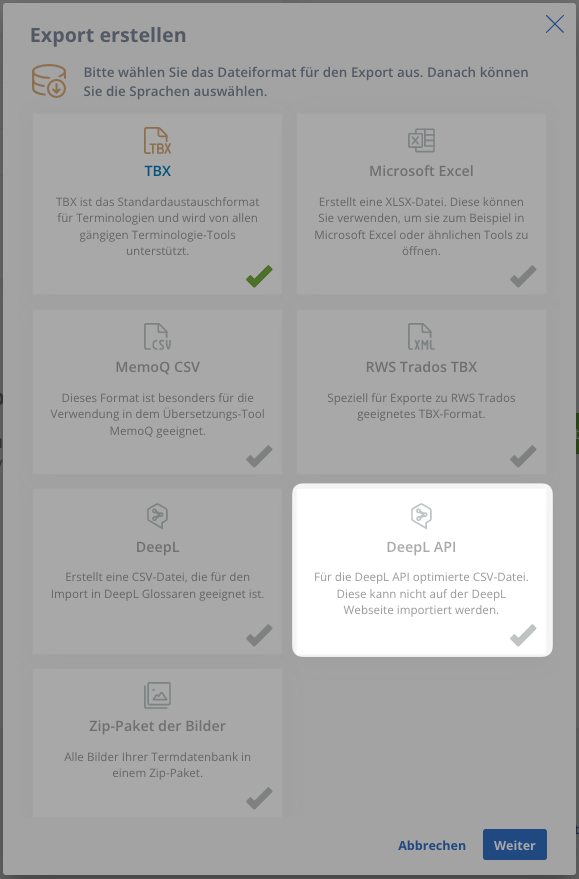
DeepL API export format
Until now, users of the DeepL API for translations have been able to create an export and add it to the DeepL glossary via the DeepL website.
But people who use the DeepL API for machine translations require a different format. It is now included in Lexeri as well:
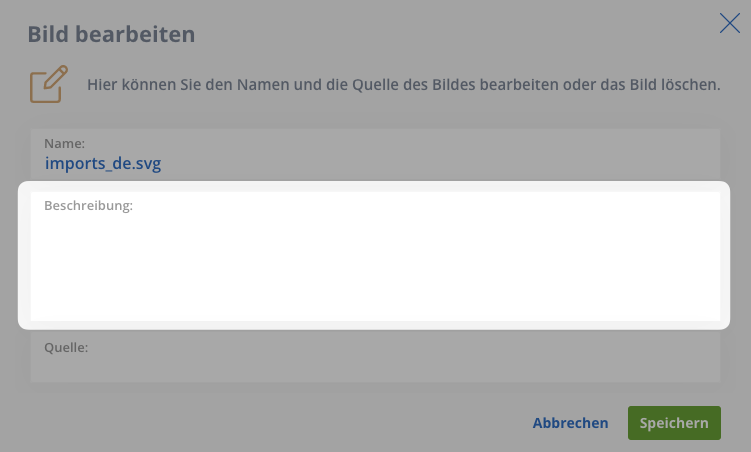
Descriptive texts for images
We have added a little extra to the images in term entries as well: you can now create descriptive tests and enhance your entries with more detail. What’s more, the form for customising the file name and image source is now shown directly after uploading the images.